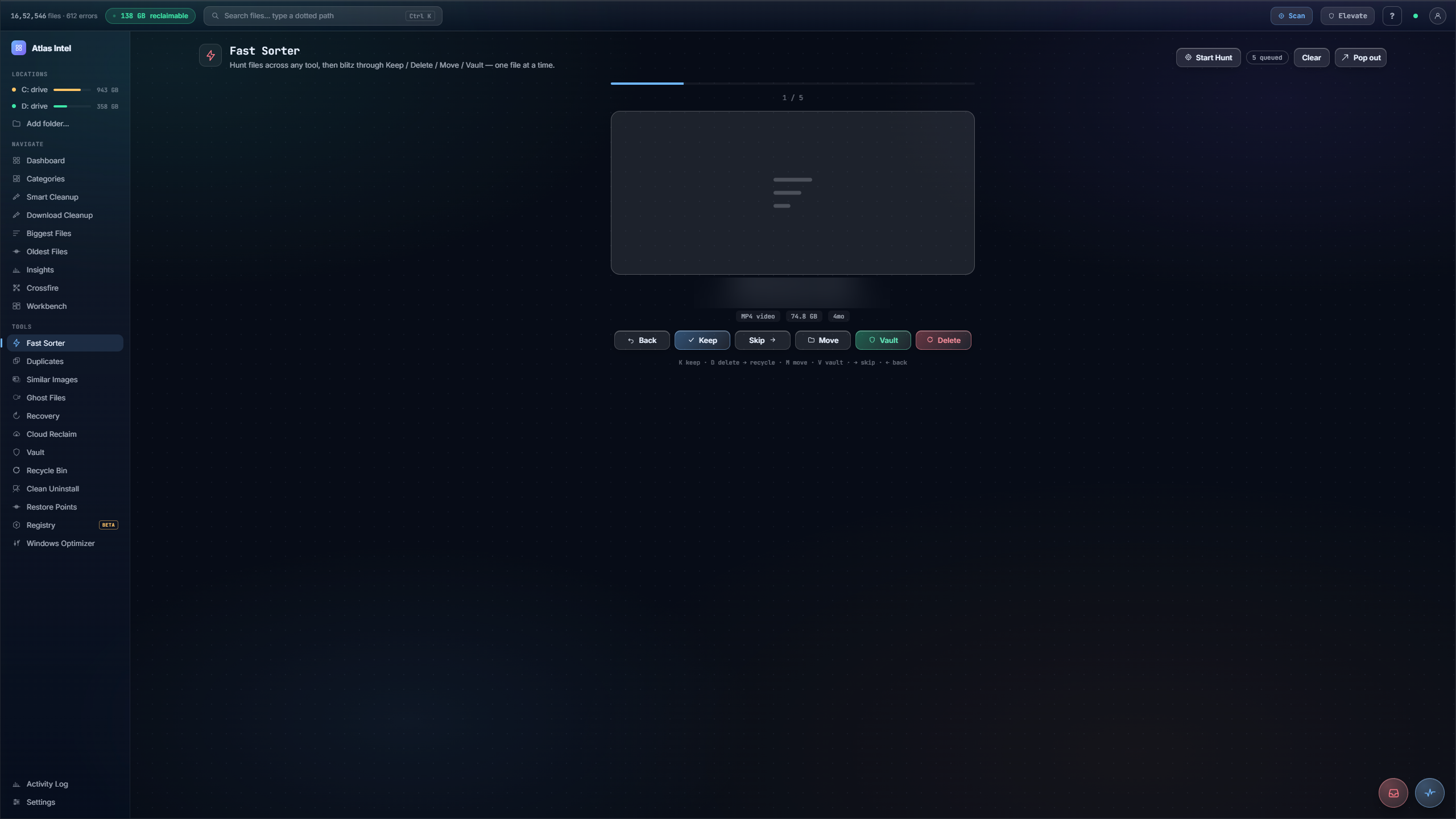
Fast Sorter.
Hunt files across any tool, then blitz them one card at a time: Keep, Skip, Delete, Move, Vault.
Turn on Hunt mode and click file rows anywhere in Atlas: Biggest Files, Duplicates, Ghost Files, Oldest Files. Each row you click joins the Fast Sort queue. Come back here and blitz the queue one card at a time: Keep, Skip, Delete to the Recycle Bin, Move, or Vault. Full keyboard control, so a folder you have been avoiding becomes a two-minute pass.
- hunt across tools
- one card at a time
- keyboard triage
What you see while it scans
Every Atlas tool has its own loading animation, drawn from the work that tool actually does. This panel plays the one that runs while Fast Sorter works, rendered live on this page.
One queue, one card at a time
-
1
Hunt across any tool
Turn on Hunt mode and click file rows anywhere in Atlas: Biggest Files, Duplicates, Ghost Files, Oldest Files. Each row you click joins the Fast Sort queue.
-
2
Blitz the queue
Come back to Fast Sorter and the queue is a stack of review cards. Each card shows the file name, its full path, type and size, and how long since it was last touched.
-
3
Decide in one keystroke
Keep, Skip, Delete, Move or Vault. The keys are
Kkeep,Ddelete to Recycle Bin,Mmove,Vvault, arrow-right to skip, arrow-left to step back. A live tally counts the pass as you go. -
4
Nothing is instant
Delete routes through Safe Delete to the Recycle Bin, so every decision stays reversible. When the queue clears you get a tidy summary of what you kept, moved, vaulted and cleared.
A folder you keep avoiding: hundreds of files, no idea which ones still matter, so you close the window and leave it for later.
The whole queue reviewed in a couple of minutes, each file kept or cleared on a single keystroke, with an undo path behind every delete.