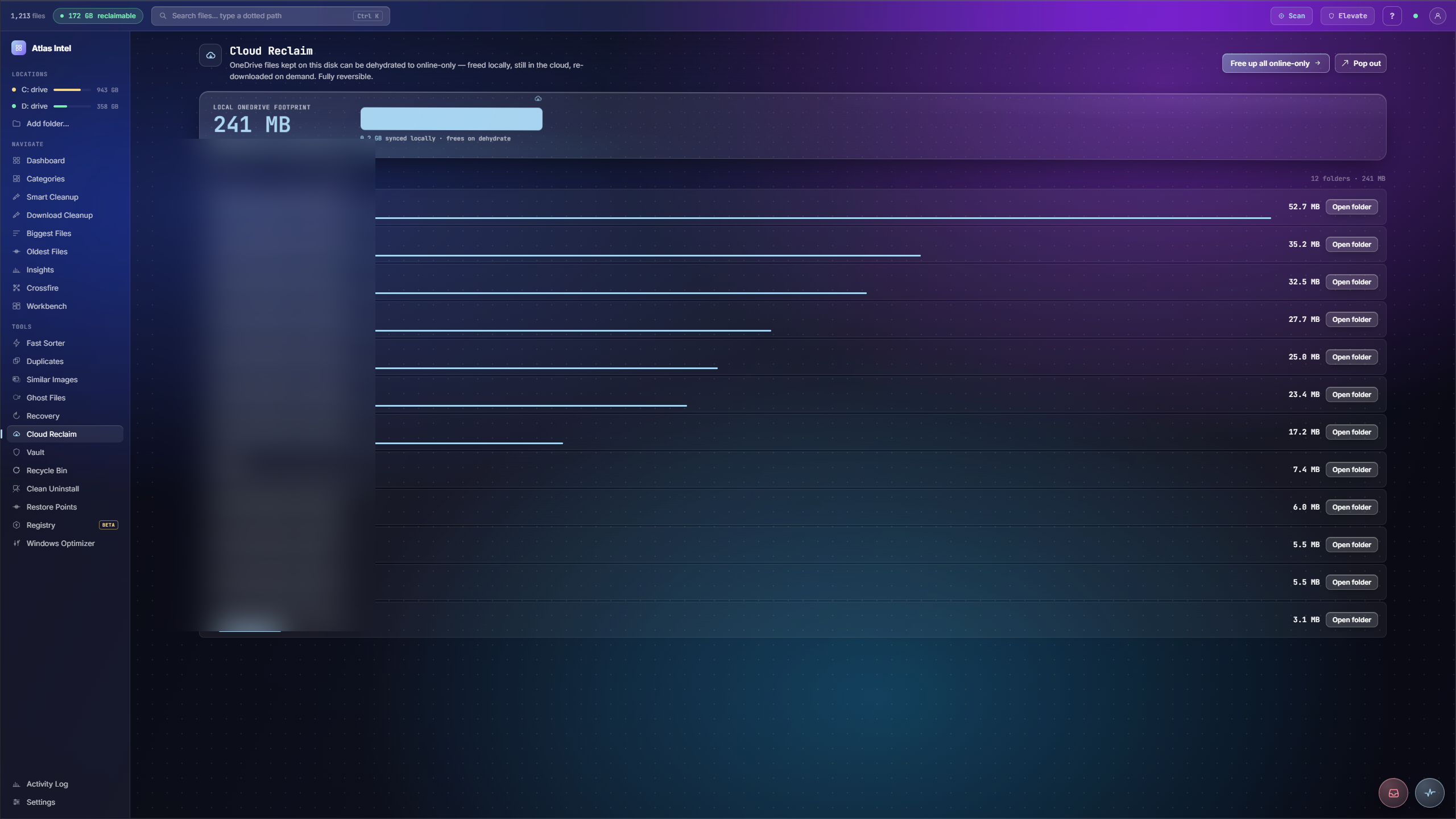
Cloud Reclaim.
Free local space, keep the cloud copy.
Finds cold files that sit on your local disk while an identical copy already lives in the cloud, then dehydrates them to online-only. The local bytes come back, the cloud copy stays untouched, and the file rehydrates the moment you open it again.
- cold synced files
- dehydrate to online-only
- cloud copy kept
What you see while it scans
Every Atlas tool has its own loading animation, drawn from the work that tool actually does. This panel plays the one that runs while Cloud Reclaim works, rendered live on this page.
Free local space, keep the cloud copy
-
1
Find cold synced files
Cloud Reclaim lists cold, cloud-synced files that still take up local disk while a copy already lives safely in the cloud.
-
2
Pick what to dehydrate
Select the files you do not need on disk right now and see the local space they hold add up.
-
3
Dehydrate to online-only
Free them locally and they become online-only. The local copy clears, the reclaimed readout climbs, and the cloud copy stays put.
-
4
They come back on open
Nothing is deleted. Each file is dehydrated, not removed, and rehydrates automatically the next time you open it.
Files you have already synced to the cloud still sit on your local disk in full, taking space you could use for something else.
The cold synced files freed from local disk while their cloud copies stay available, ready to come back the moment you open them.