Download Cleanup.
Reclaim redundant downloads, safely.
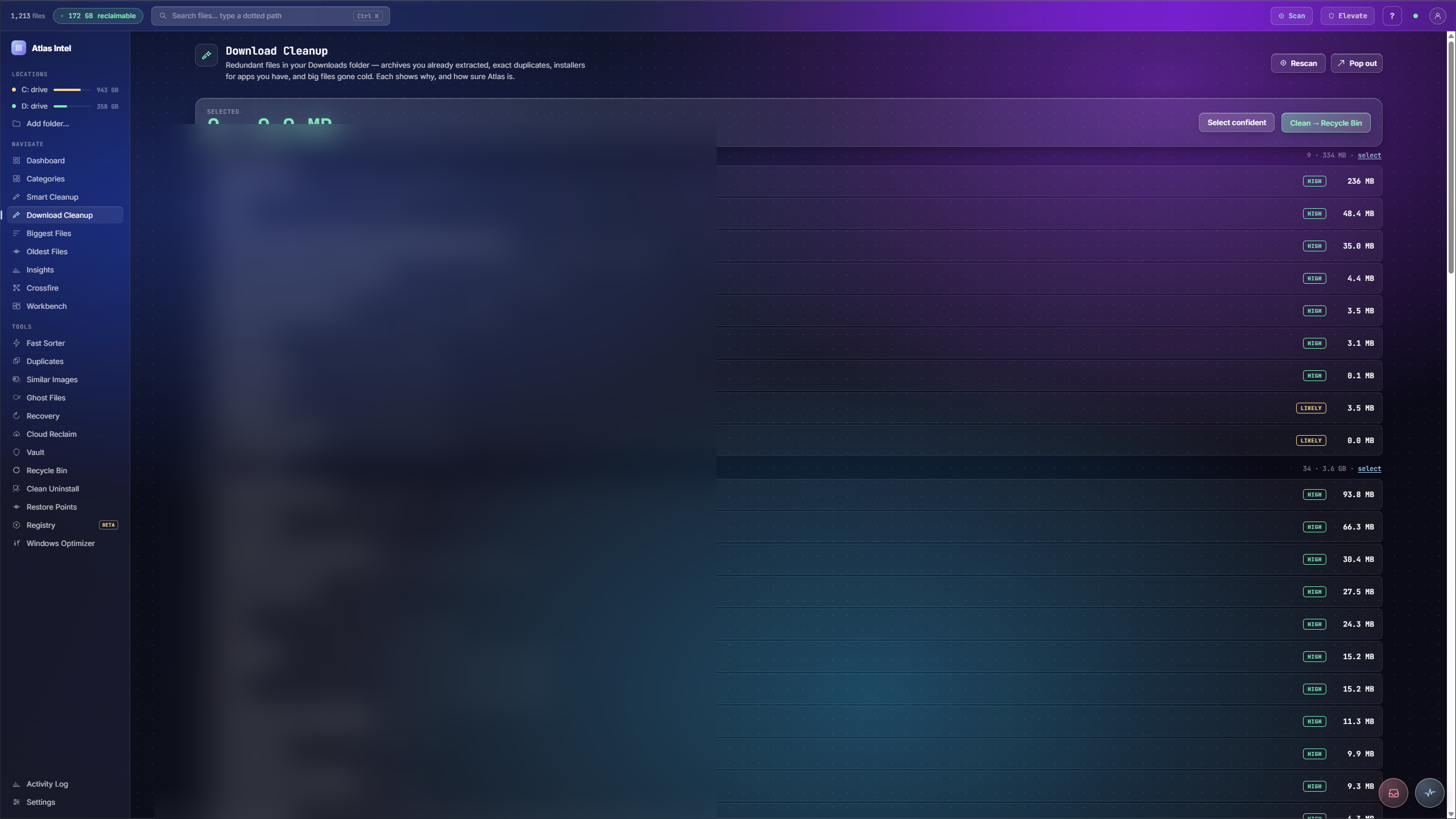
A surgical pass over your Downloads folder. It surfaces the waste that piles up there: archives you already extracted but kept the zip of, byte-for-byte duplicate downloads, installers for apps you already have, big files gone cold, and interrupted downloads that will never resume. Each file shows why Atlas flagged it and how sure it is, and every removal goes to the recoverable Vault or the Recycle Bin, your pick in Settings.
- extracted archives
- duplicate downloads
- installers already installed
- large & cold
- unfinished downloads
What you see while it scans
Every Atlas tool has its own loading animation, drawn from the work that tool actually does. This panel plays the one that runs while Download Cleanup works, rendered live on this page.
The Downloads folder, judged fairly
-
1
Classify the pile
Download Cleanup sorts your Downloads into groups: archives you already extracted, duplicate installers, and cold files you never reopened.
-
2
Confidence tiers
Each candidate carries a confidence tier, high, likely or maybe, so you can trust the obvious waste and eyeball the rest.
-
3
Keepers stay
Files worth keeping are marked as keepers and left untouched. You pick the confident group or choose row by row.
-
4
Cleared to the Recycle Bin
Reclaim sends the chosen files to the Recycle Bin through Safe Delete, reporting exactly how much space came back.
Downloads is where files go to be forgotten: the zip and its extracted folder, three copies of the same installer, a podcast you played once.
The pile classified by confidence, the real waste reclaimed to the Recycle Bin, and the files you actually wanted left alone.