Recycle Bin.
See what is still in the bin, then empty it on purpose.
A real look at what your Recycle Bin is still holding, broken down by age, size and type, largest first. Purge the old and the huge with a preview of exactly what goes, or empty everything. Emptying is permanent, so it is gated behind a typed confirmation.
- by age, size, type
- preview before purge
- typed to confirm
What you see while it scans
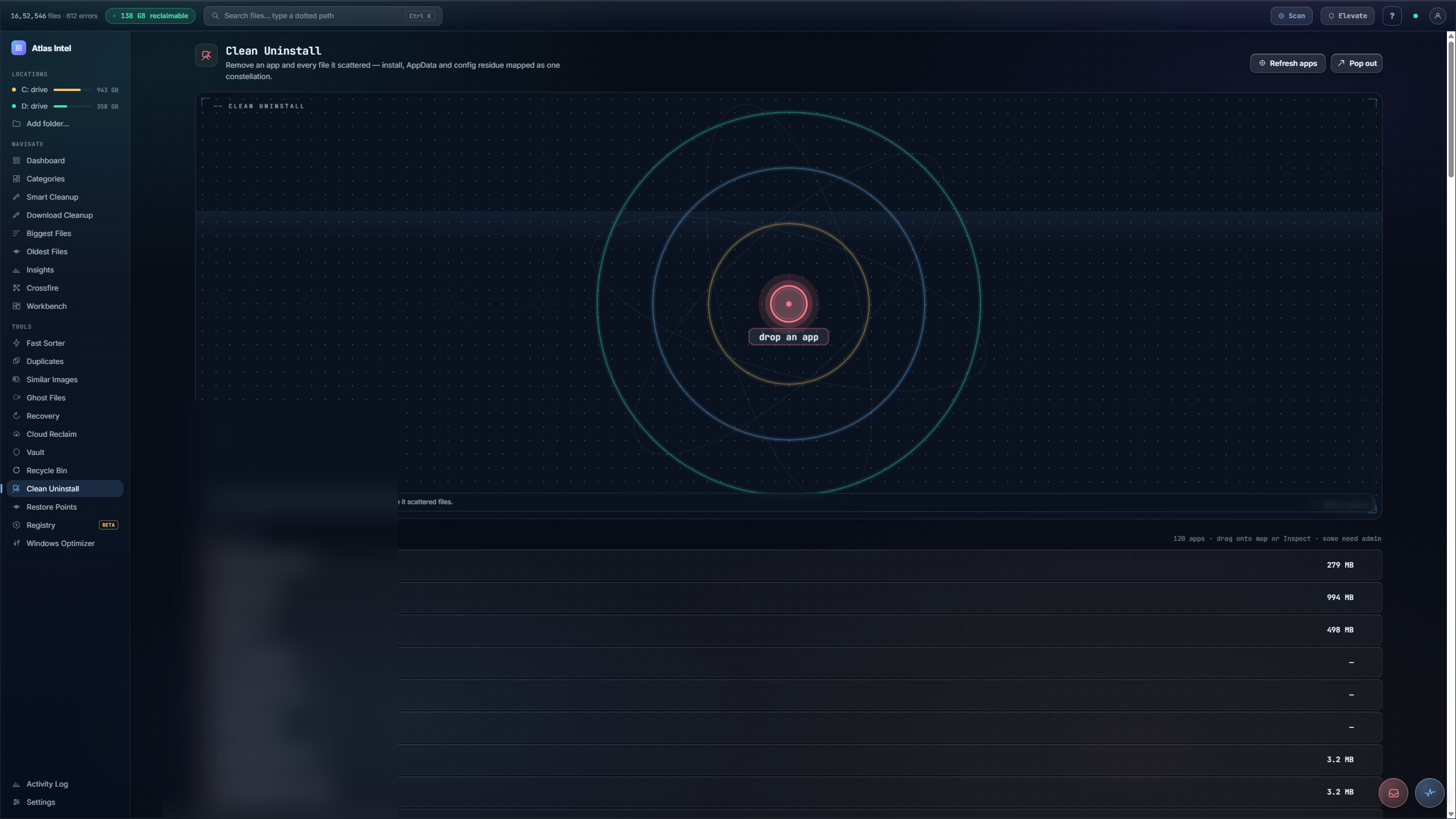
Every Atlas tool has its own loading animation, drawn from the work that tool actually does. This one plays while Recycle Bin enumerates deleted items across your drives by age, size and type. That pass is read-only. Nothing is removed until you say so.
A smarter way to empty the bin
-
1
See what is actually in there
The Recycle Bin view lists deleted items largest first, each with its type, size, source drive and how long it has been sitting in the bin.
-
2
Smart suggestions
Instead of emptying everything blindly, Atlas suggests safe picks: purge the old items, purge the large ones, or clear a specific drive.
-
3
Select before you purge
Build a selection and see exactly what will go and how much space it frees, so recent deletes you might still want are left alone.
-
4
A deliberate final step
Permanent purge is gated behind typing
EMPTY, so the last, irreversible step is always a conscious choice.
You either let the Recycle Bin grow forever or empty the whole thing at once and lose something you deleted an hour ago by mistake.
The bin shown clearly, smart picks for what is genuinely safe to purge, and a deliberate confirm before anything is gone for good.